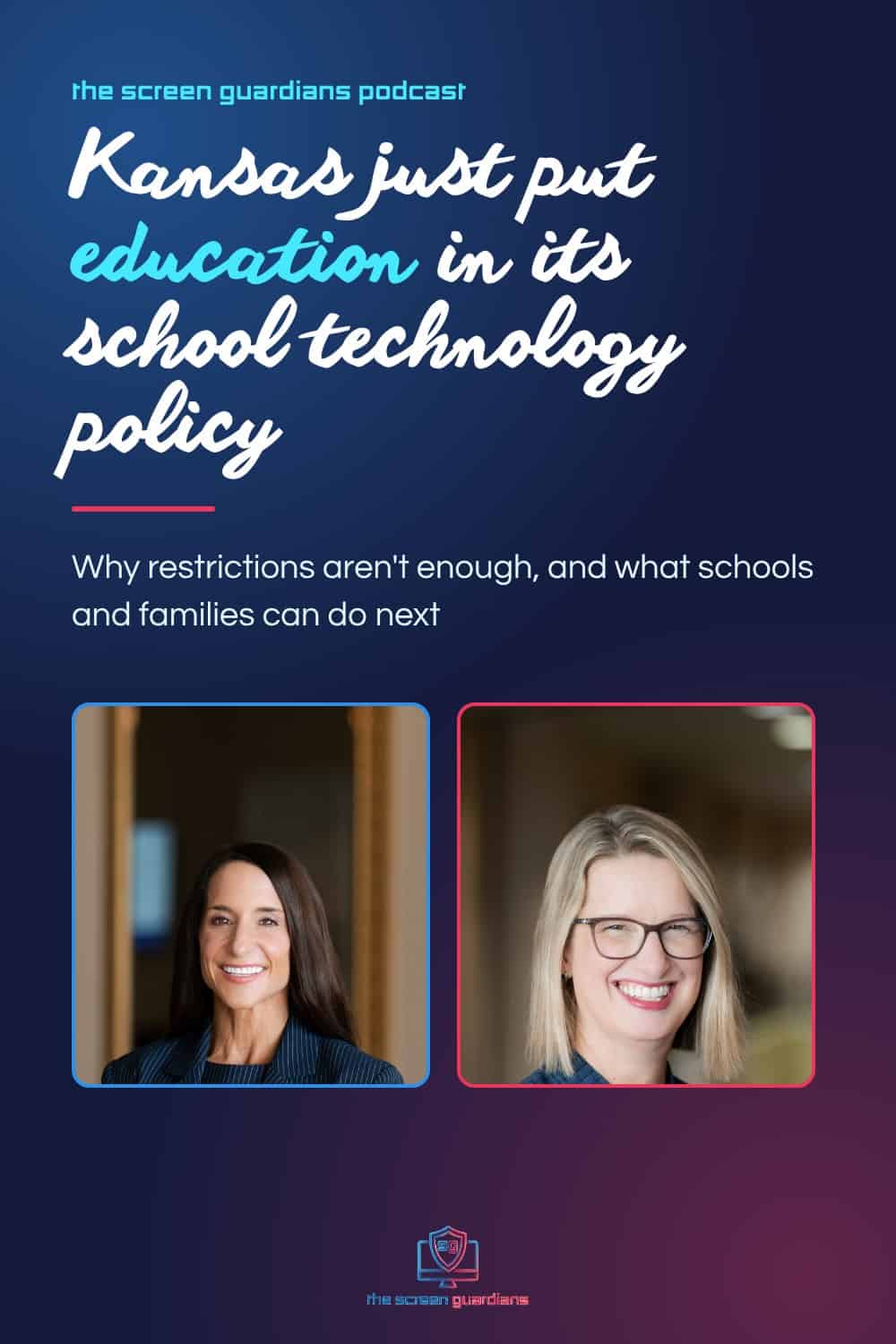
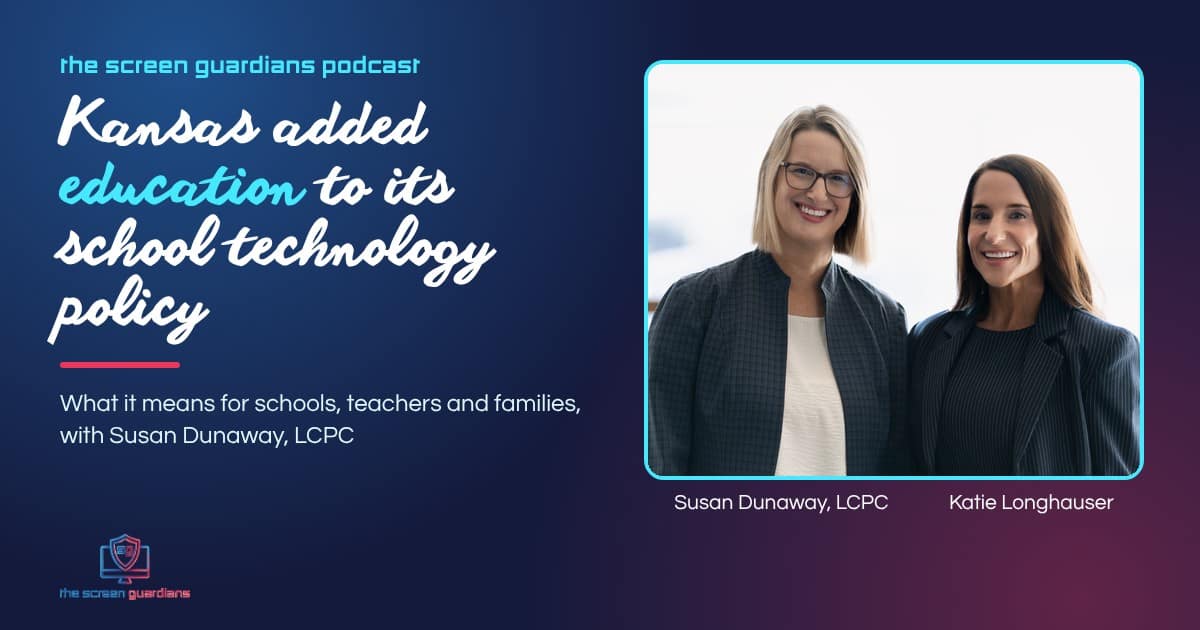
The Screen Guardians Podcast 43 — Kansas Added Education to Its School Technology Policy, with Susan Dunaway, LCPC
“We’ve handed our kids the car keys. We’ve added seatbelts, airbags, and a GPS. But have we taught them the rules of the road? We’ve taught limits, not lessons.”
That’s how Katie opened this week’s episode, and it’s the reason this one is a celebration. The Kansas State Board of Education just adopted a new statewide school technology policy, and it now asks schools to teach digital citizenship and student well-being, with education for teachers and families too. It’s there in part because more than 150 Kansans signed our open letter in under 48 hours.
Katie sat down with Susan Dunaway, a licensed clinical professional counselor, neurofeedback clinician, and The Screen Guardians’ chief neuroscience officer, who was the very first signature on that letter. They talked about what the policy says, why restrictions alone aren’t enough, and what this means for schools in Kansas and everywhere else.
Table of Contents
What the New Kansas School Technology Policy Says
The State Board’s instructional technology policy gives every Kansas district and accredited nonpublic school a framework for writing its own plan for the “safe and purposeful use of instructional technology.” Each plan is developed with families and caregivers, approved by the local board of education, and renewed every year. Local reporting notes schools have until July 1, 2027 to address areas including technology access, artificial intelligence, privacy and security, and digital citizenship and student well-being. Read the State Board’s full instructional technology policy (PDF).
That last area is the one we asked about. Back in October, we asked the board to expand its definition of digital citizenship. The original definition was written more than 20 years ago, when being online mostly meant being polite. As Katie put it, “It doesn’t teach them how technology is designed to influence them and where to turn if harm occurs.” So we asked the board to add language that helps students:
- understand how technology use and design, including persuasive design and algorithms, affect attention, learning, emotional well-being, and relationships
- recognize manipulated or unsafe digital interactions
- know how and where to seek help when harm occurs
We also asked for education for parents and guardians. The final plan now calls for building students’ digital citizenship skills by grade level or grade band, “with corresponding education and support for educators and families,” such as courses from unbiased resources, peer-reviewed research, discussions about mental health and excessive technology use, or a district website families can turn to.
Susan’s take on the vote was simple: “They just cut and pasted it in.” And she reminded us how it happened. There was no big social media blast. “We literally just emailed it to some of the people that we knew.” Doctors, curriculum writers, superintendents, principals, and parents signed. “Our voices do matter.”
Why Restrictions Aren’t Enough
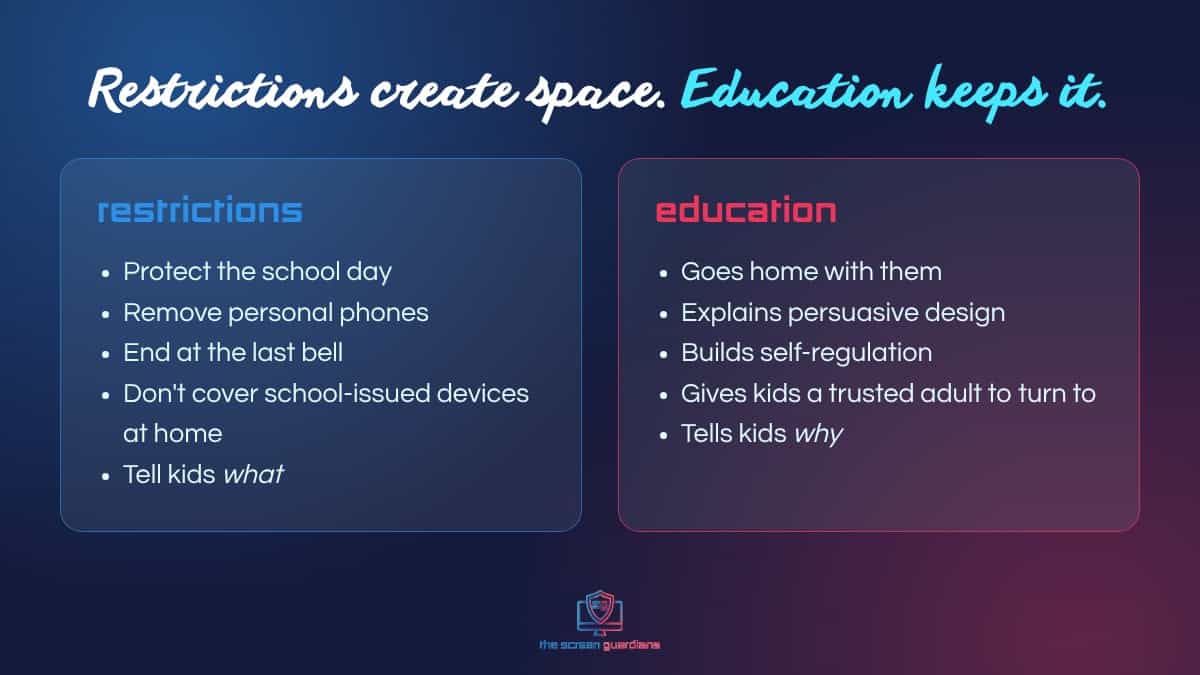
Bell-to-bell phone restrictions are already making a difference in Kansas classrooms. Katie was clear about that: they’ve eliminated distraction, improved focus, and brought back conversation. But a phone ban only covers part of a child’s day.
Regardless of whether you take personal devices away, there’s still school-issued devices. And kids are real smart and real crafty… The second thing is school day ends.
Susan Dunaway, LCPC
Susan described driving past her son’s old high school at dismissal and seeing nearly every student looking straight down at a phone, “clustered alone together.” Katie hears the same from parents: “My daughter comes home from school and she spends twice as much time as she did before… because, Mom, I gotta catch up.” Restrictions end. Then what? That’s where education matters, and why it belongs in every school technology policy.
What’s Happening in a Child’s Brain
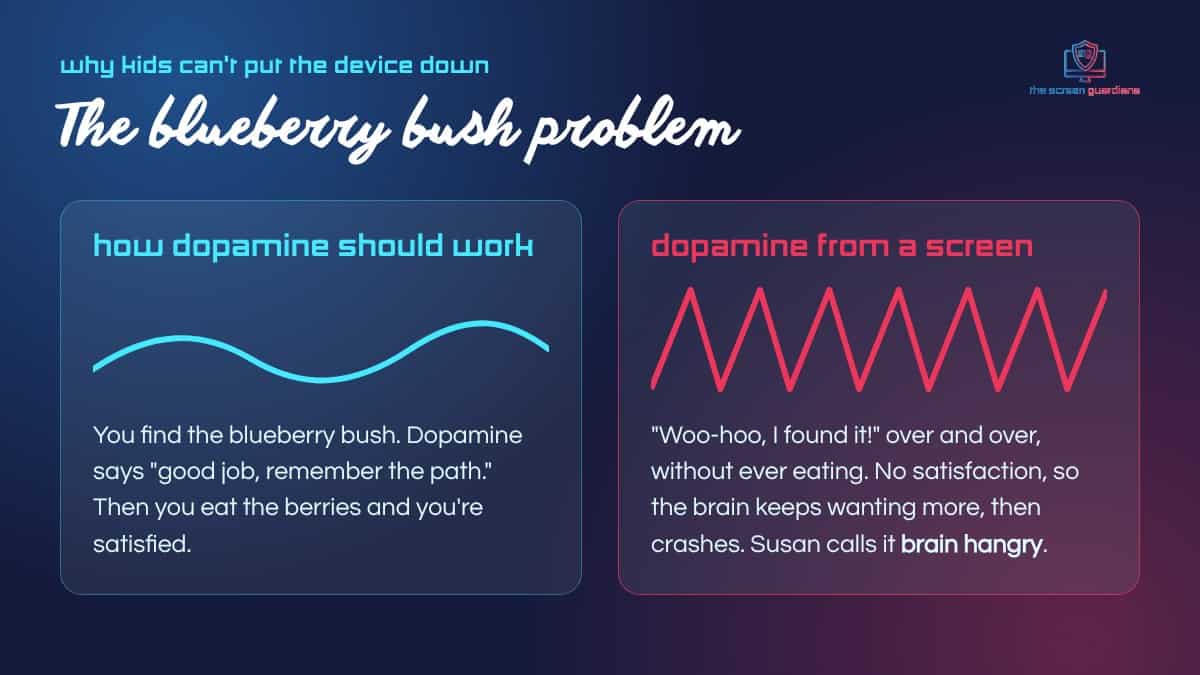
Susan explained the pull of a screen with a story she tells students. Ten thousand years ago, finding a blueberry bush meant you wouldn’t starve, so dopamine said “woo-hoo, you found it, remember the path.” Then you ate the berries and felt satisfied.
Imagine just standing in front of the blueberry bush and going, woo-hoo, woo-hoo, I found it, I found it. Never eating the blueberries. You’d still starve… Screens never get to the good thing.
Susan Dunaway, LCPC
That roller coaster of highs and crashes leaves kids depleted and irritable. Susan calls it “brain hangry.” And no eight-year-old can explain that to you. That’s why adults need to understand it too. At first, the parent or teacher has to be a child’s “surrogate frontal lobe,” noticing the signs and naming them, so kids aren’t treated as “bad” for a brain that’s simply had too much.
A Policy Makes Adults Intentional. Education Makes Students Intentional.
That line came from our letter, and Susan unpacked it from a mental health lens: “Nobody wants to be told what to do without giving the why. And so the education is the why.”
Her example was sleep. Tell a teenager the phone can’t stay in the bedroom and it becomes “us versus them.” But when students learn how screens disrupt sleep, when parents understand the link between lost sleep and depression, and when teachers move online due times earlier than midnight, everyone is working from the same information. “Let’s guard sleep. Here’s why.”
Katie shared what that looks like in practice. In Syracuse USD 494, after families learned how technology affects the brain and sleep, parents chose to have devices turned in at night, and 87% of teachers saw changes in behavior. Susan pointed to the reason it worked: parents stopped feeling like an island. When a whole community learns together, families can link arms.
Why Teachers Need This Education Too
Before Susan spoke to the State Board, she asked the teachers she knew whether they had ever received training on how technology affects the brain, attention, or learning. Every one of them said no. They’re trained on the app and the platform, not on what the device does to memory, attention, and behavior.
“How are they supposed to safeguard kids’ brains, attention, memory, ability to regulate themselves if they don’t know how these two things interact?” Susan asked. That gap is why teacher education belongs in a school technology policy, and it’s exactly why The Screen Guardians exists.
What This Means for Schools
If you lead a school in Kansas, your school technology policy now needs a plan for digital citizenship and student well-being, with education for educators and families, and it has to be renewed every year. If you lead a school anywhere else, this is a model worth following. Restrictions protect the school day. A school technology policy that includes education protects kids for the rest of it.
The Screen Guardians was built for this. Teachers lead short weekly lessons on the brain, persuasive design, sleep, and online safety, and a Parent Companion brings the same language home after every lesson. It gives your district a ready answer to the “corresponding education and support for educators and families” part of the plan. See how the program works.
Questions Parents Can Ask About School-Issued Devices
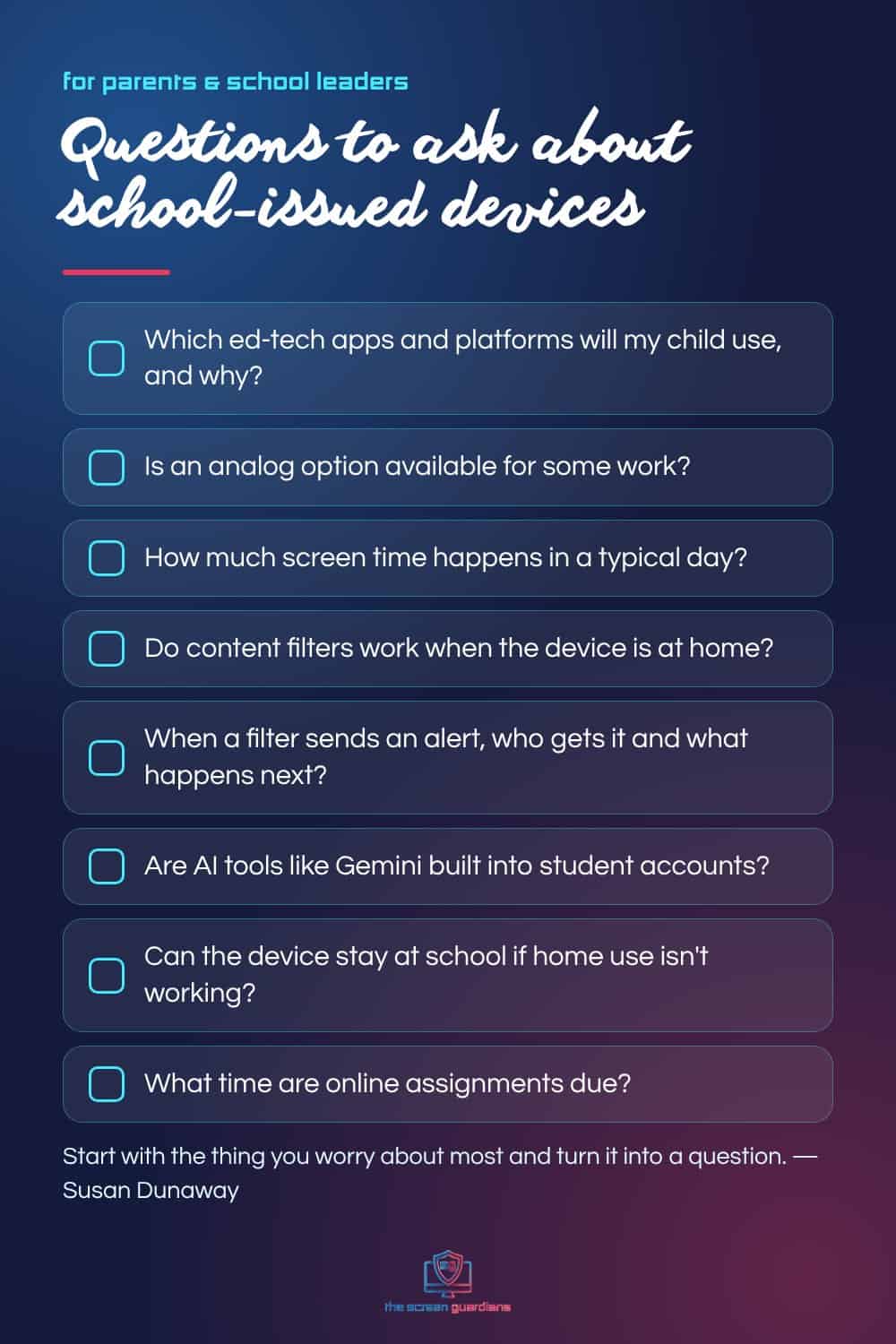
School-issued devices can do almost everything a personal device can, so Susan recommends treating them the same way at home: used in a common area where an adult can see the screen, and out of bedrooms overnight. And remember that a content filter at school may not be working at home. Her advice for talking with your school: “Take the thing you’re most concerned about and turn it into a question.” A few to start with:
- Which ed-tech apps and platforms will my child use, and why?
- Is an analog option, like paper worksheets, available for some work?
- How much screen time happens in a typical school day?
- Do content filters work when the device is at home, and who monitors them?
- When a filter sends an alert, who gets it and what happens next?
- Are AI tools like Gemini built into student or teacher accounts?
- Can the device stay at school if home use isn’t working for my child?
Go in as a partner. “It’s not an us versus them,” Susan said. “When we all partner together and go, hey, here’s the problem that we want to solve… everybody gets to move forward together.”
Try It for Two Weeks
Katie’s favorite piece of Susan’s advice: when you change something, try it for two weeks and get curious about what you notice. No device as an alarm clock. No device time before school. Three family meals together. It’s never too late, because any decision can be changed. That teaches kids something too: a yes isn’t always a yes forever.
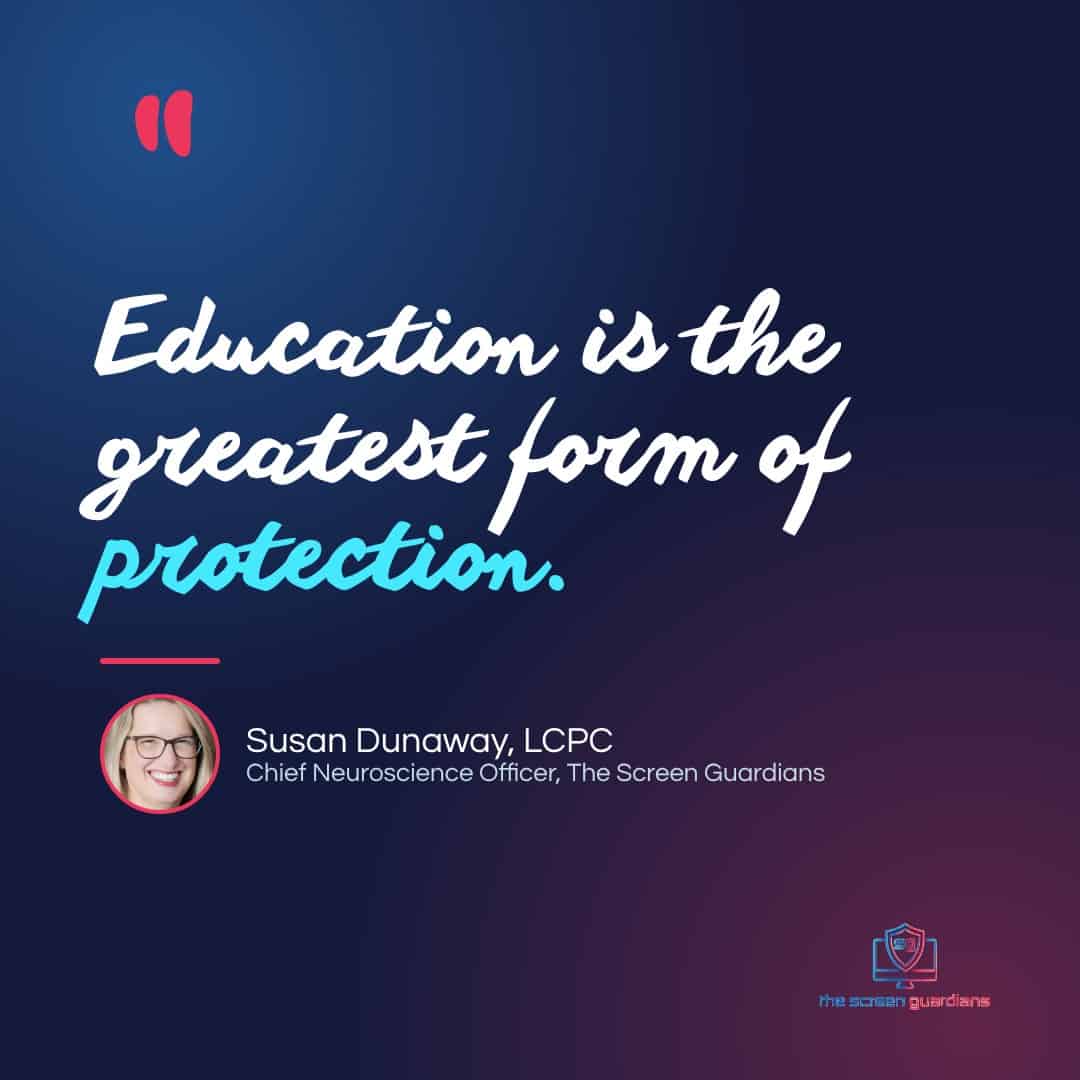
Susan closed the lightning round with the line that sums up this whole episode. Finish the sentence “Education is…” She said: “The greatest form of protection.” To the 150-plus people who signed the letter: you were heard, and it changed a school technology policy for an entire state.
Missed our last episode? Read What to Do If Your Child Is Targeted Online, From a KBI Agent, or catch up on what schools should teach after the phone ban. Find every episode on The Screen Guardians Podcast page.
Frequently Asked Questions
What does the new Kansas school technology policy require?
Every Kansas public district and accredited nonpublic school must adopt a plan for the safe and purposeful use of instructional technology, developed with families, approved by the local board, and renewed annually. Plans address areas such as student technology access, artificial intelligence, privacy and security, and digital citizenship and student well-being, with a July 1, 2027 deadline.
What did The Screen Guardians ask the Kansas State Board of Education to add?
An expanded definition of digital citizenship so students understand how persuasive design and algorithms affect attention, learning, well-being and relationships, can recognize manipulated or unsafe interactions, and know where to seek help, plus education for parents and guardians. More than 150 Kansans signed the open letter in under 48 hours, and the board added the language.
Why aren’t phone bans enough on their own?
Bell-to-bell restrictions protect the school day, but students still use school-issued devices, and the restriction ends at dismissal. When a school technology policy leaves out education, kids have no new understanding or skills when they get their phones back. Education gives them the why, so healthier habits go home with them.
Are school-issued devices safer at home?
Not necessarily. Susan Dunaway recommends treating them like personal devices: use them in a common area where an adult can see the screen and keep them out of bedrooms overnight. School content filters may not work off the school network, so ask your school how filtering and alerts work at home.
How can a school meet the digital citizenship and student well-being part of the policy?
Choose an approach that teaches students by grade band and includes education for educators and families. The Screen Guardians is a K–12 digital health and safety program taught weekly by classroom teachers, with a Parent Companion that brings each lesson home.
Bring This Conversation to Your School
Susan’s work is the foundation of The Screen Guardians, a K–12 digital health and safety program taught once a week by students’ own teachers, with a Parent Companion that brings the same language home. Building your district’s plan? See how The Screen Guardians works.
Want to go deeper at home? Hear more from Susan in the Parent Portal, with videos, guides, and conversation scripts.
Education is the greatest form of protection.