By Susan Dunaway, Neurotherapist
The Kansas State Board of Education is reviewing its technology policy for districts and asking that districts outline how they plan to use technology with intention.
But intention, in the absence of education, can still be harmful.
That’s the part of the intentional technology use in schools conversation I want to slow down on. As a neurotherapist, I’ve spent years watching how screens affect developing brains. Good intentions aren’t the problem. Missing information is.
Table of Contents
Where Teachers Actually Learn About Technology
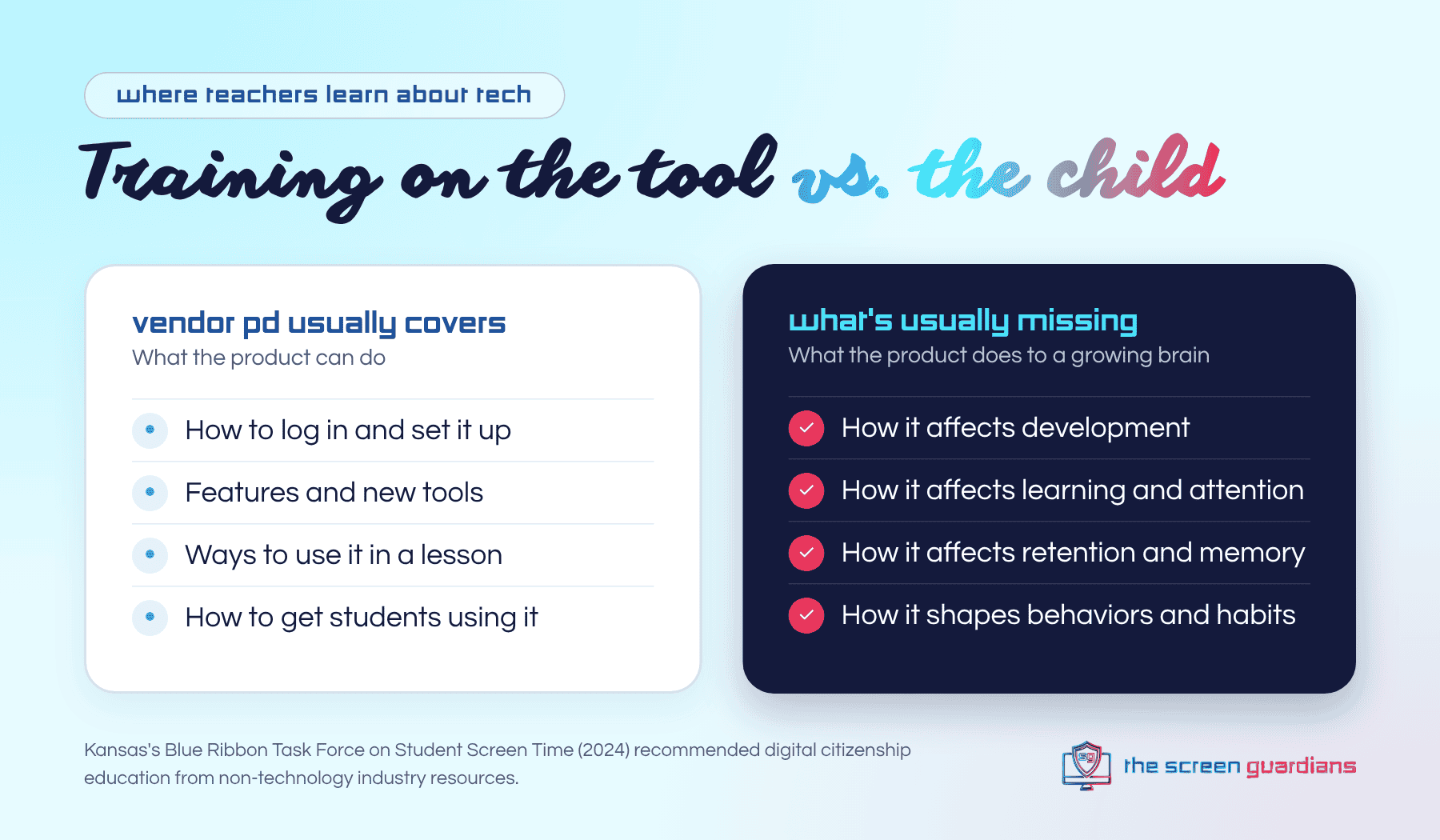
At present it appears that the greatest source of education teachers and administrators receive around technology comes from the technology vendors. When a rep from Apple, for example, comes in to give a PD on student learning, their incentives naturally inhibit education about how technology affects student development, learning, retention and behaviors.
This leaves teachers to either educate themselves or believe themselves equipped to use technology intentionally.
That isn’t a criticism of the reps. A vendor’s job is to show what the product can do. It isn’t to explain what a device does to a seven-year-old’s attention, or how it changes what a student remembers by Friday. Nobody should expect it to be.
But somebody has to teach that part. Right now, it mostly falls on teachers, on their own time, after a full day of managing a classroom.
Kansas has already named this gap. In 2024, the state’s own Blue Ribbon Task Force on Student Screen Time recommended that districts provide digital citizenship education from non-technology industry resources, drawing on unbiased or independently funded research. In other words: the people selling the tools shouldn’t be the only ones teaching about them.
What The King’s Speech Teaches Us About Good Intentions
Did you ever watch the movie, The King’s Speech? It follows King George, who lived with a terrible stutter, and the professionals whose job it was to help him improve his public speaking. One “prescription” was smoking. Smoking was supposed to relax the vocal cords and relax the King’s nervous system thereby reducing his stutter. They intentionally asked him to smoke because their lack of education told them this was the best thing to do. King George later developed lung cancer and died at the age of 56.
We can intentionally choose a course of action that harms out of a lack of adequate information, not ill will.
The people around the King weren’t careless. They were confident. They were doing exactly what the best information of their day told them to do. That’s the trap with intention: it feels like enough.
The good news is that we don’t have to wait decades for the research this time. We already know a great deal about how technology affects the developing brain. As Maya Angelou said, “When we know better, we do better.” The work now is getting what we know into the hands of the people making decisions in classrooms every day.
Intentional Technology Use in Schools Starts With Education
Educating teachers, parents and students allows for the right kind of intentionality around technology use. Apart from this aspect, intention alone cannot reduce unintended harm.
So what should that education cover? The same four things a vendor PD is least likely to address:
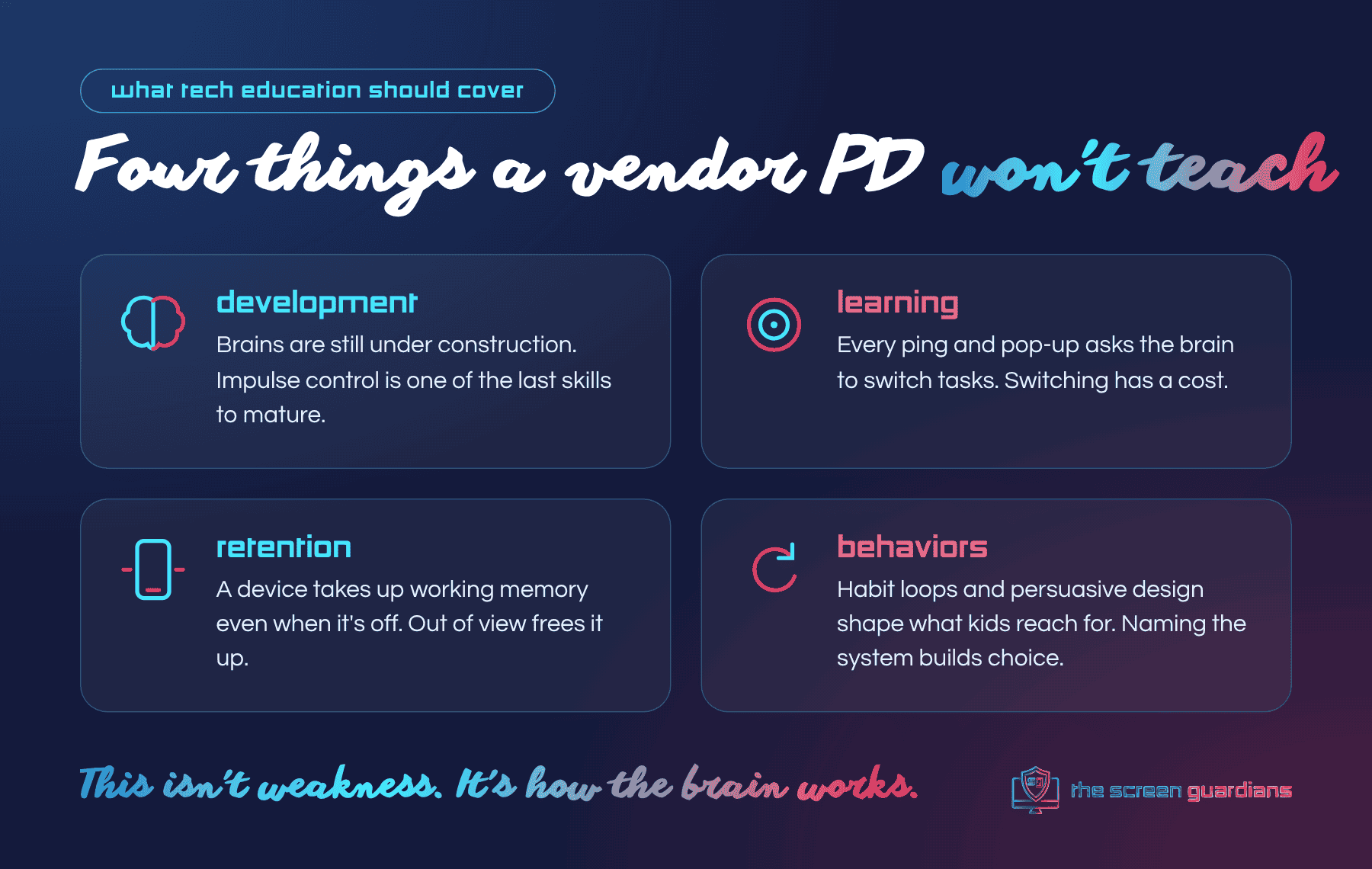
- Development. Children’s brains are still under construction. The prefrontal cortex, the part that handles impulse control and planning, is one of the last areas to mature, and the brain keeps developing into the mid-to-late 20s. Apps engineered to hold attention are working against a brain that isn’t finished yet.
- Learning. Every notification, tab and pop-up asks the brain to switch tasks. Switching has a cost, and young learners pay it first.
- Retention. A device takes up working memory even when it’s off. One widely cited study found that the mere presence of a smartphone reduced available cognitive capacity, even when the phone was turned off.
- Behaviors. Habit loops, dopamine and persuasive design shape what kids reach for, and when. Once students understand that system, they can start making choices instead of just reacting.
This isn’t weakness. This is how the brain works. And it’s teachable.
What Intentional Use Looks Like in a Real Classroom
Intention backed by education looks surprisingly simple in practice. A few moves I recommend to every teacher:
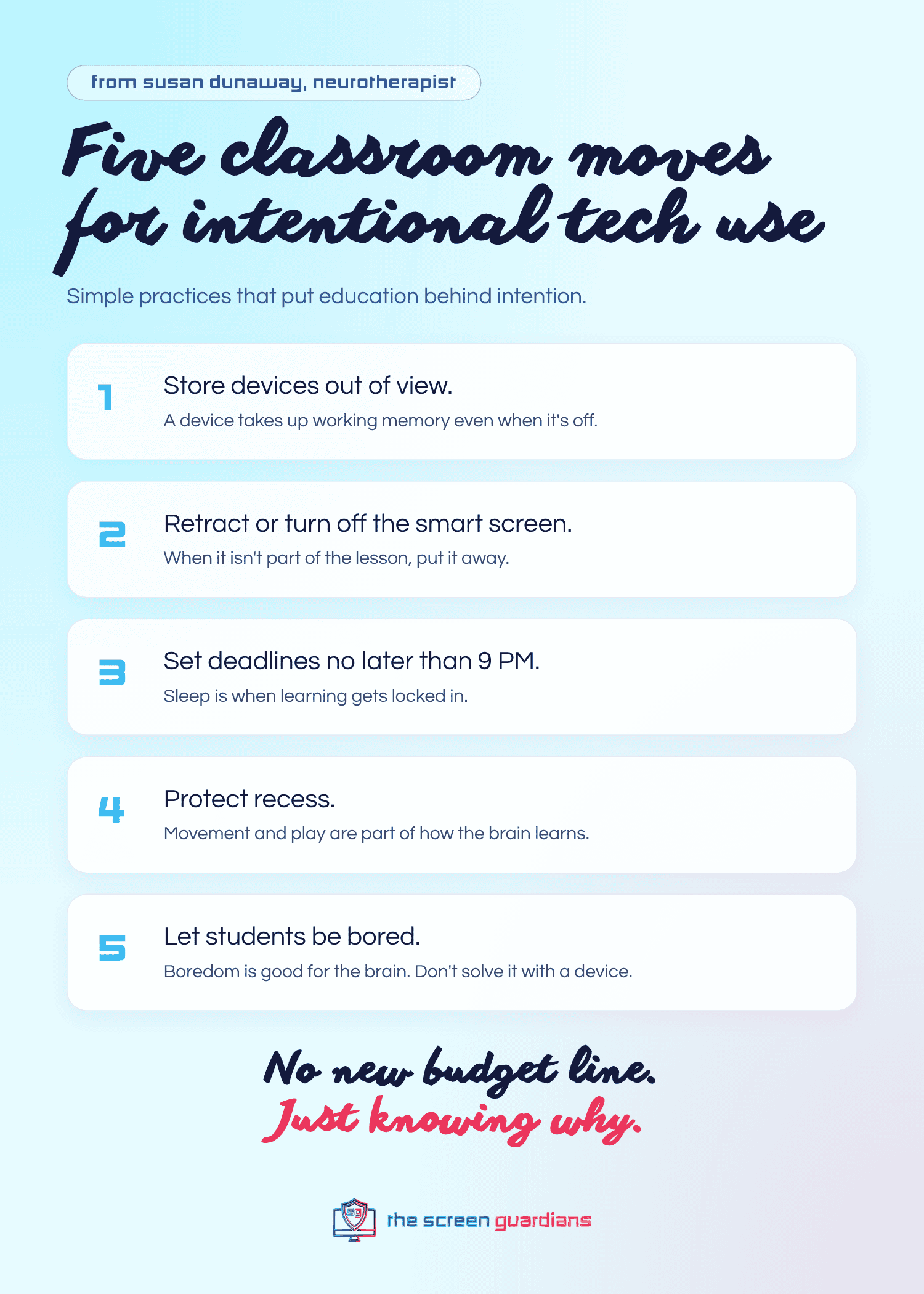
- Store devices out of view. Out of sight frees up working memory. A phone face-down on the desk is still taking up space.
- Retract or turn off the smart screen when it isn’t part of the lesson.
- Set assignment deadlines no later than 9 PM. Sleep is when learning gets locked in.
- Protect recess. Movement and unstructured play are not extras. They’re part of how the brain learns.
- Let students be bored. Boredom is good for the brain. Don’t solve it with a device.
None of these require a new budget line. They require understanding why. And when parents hear the same reasons at home, students stop getting mixed messages.
Students need the why too. The question we want every child to be able to ask is simple: am I using technology intentionally, or is technology using me?
Questions to Ask Before Your Next Technology PD
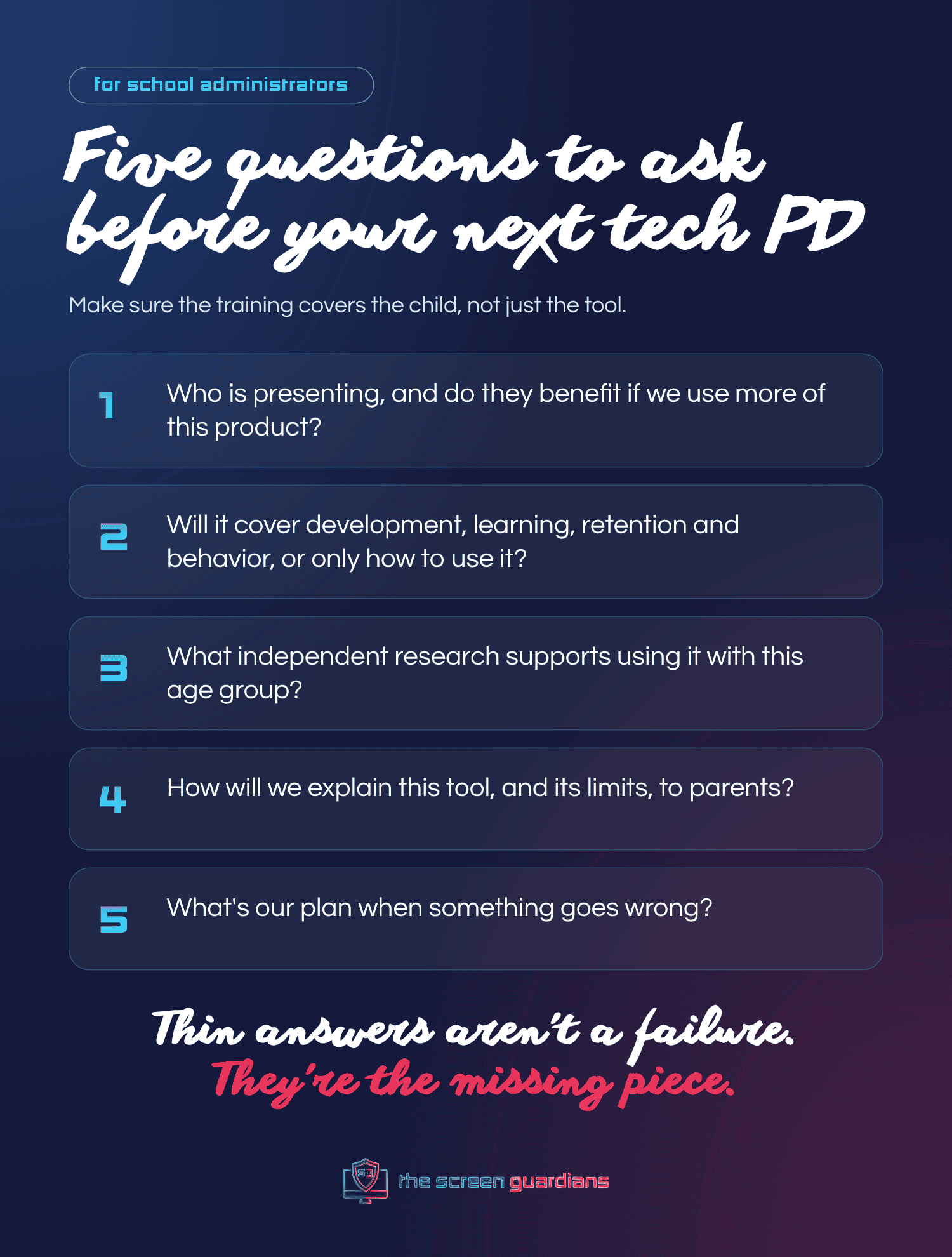
If you’re an administrator planning professional development, here are five questions worth asking before anyone books the room:
- Who is presenting, and do they benefit if we use more of this product?
- Will this session cover how the tool affects development, learning, retention and behavior, or only how to use it?
- What independent research supports using it with this age group?
- How will we explain this tool, and its limits, to parents?
- What’s our plan when something goes wrong?
If the answers are thin, that’s not a reason to panic. It’s a sign that the education piece is still missing, and it can be added.
Here’s Your Challenge: Begin With the End in Mind
The State Board is right to ask districts for intention. That’s a meaningful step, and the work being done in Topeka matters. But a policy can only be as good as the understanding of the people carrying it out.
So here’s your challenge. Before your district writes its technology plan, ask what you want students to understand about technology by the time they graduate. Then ask who is going to teach it.
Our team asked the board to add technology education to the policy it’s writing, and we’ve written about how schools can evaluate the technology already in their classrooms. If you want a ready-made way to bring that education to your students, teachers and families, The Screen Guardians is a K–12 digital health and safety program built for exactly this.
Want this in your school? See how The Screen Guardians works.
Education is the greatest form of protection.
Frequently Asked Questions
What does intentional technology use in schools mean?
It means a school decides on purpose how, when and why students use technology, instead of using it by default. The Kansas State Board of Education is asking districts to outline that plan. Intention works best when the people making those decisions understand how technology affects development, learning, retention and behavior.
Why isn’t vendor training enough for teachers?
Vendor training is built to show what a product can do. It isn’t designed to explain how that product affects a child’s attention, memory or habits. Kansas’s 2024 Blue Ribbon Task Force recommended digital citizenship education from non-technology industry resources for this reason.
What should technology education for teachers cover?
At a minimum: how screens affect the developing brain, how devices change attention and task switching, how a device’s presence affects working memory, and how persuasive design shapes behavior. Teachers also benefit from simple classroom practices, like storing devices out of view and setting earlier assignment deadlines.
Is The Screen Guardians anti-technology?
No. The Screen Guardians is not anti-technology. It’s pro-child. The program teaches students, teachers and parents how technology works on the brain and body so they can use it with real intention.
How does The Screen Guardians help schools?
Students learn in one short lesson a week, taught by their own teachers, across seven modules for grades K–12. A Parent Companion after every lesson brings the same language home. Learn more about the program.
Want to go deeper at home? The Parent Portal has videos, guides, and scripts for the hard conversations.